Monitic Docs
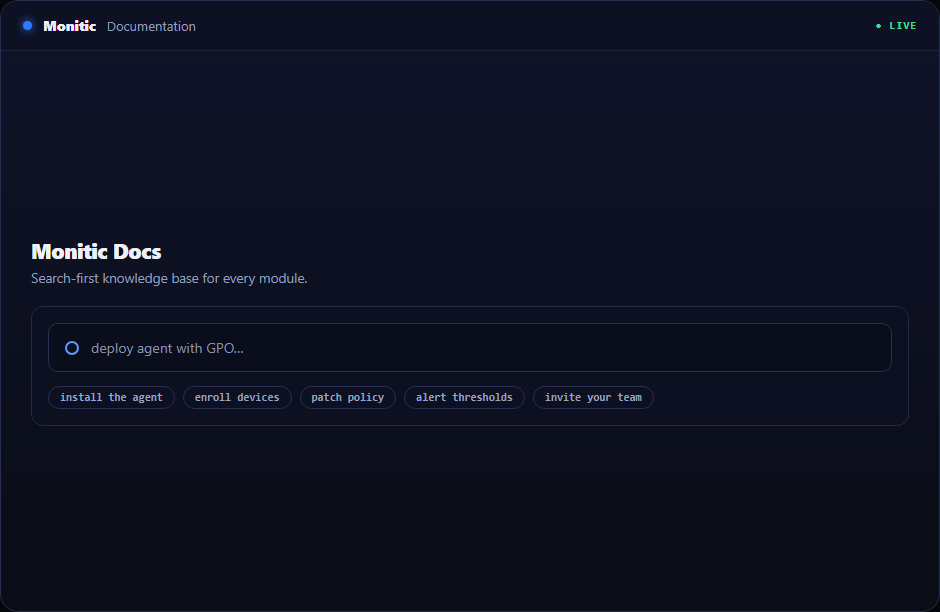
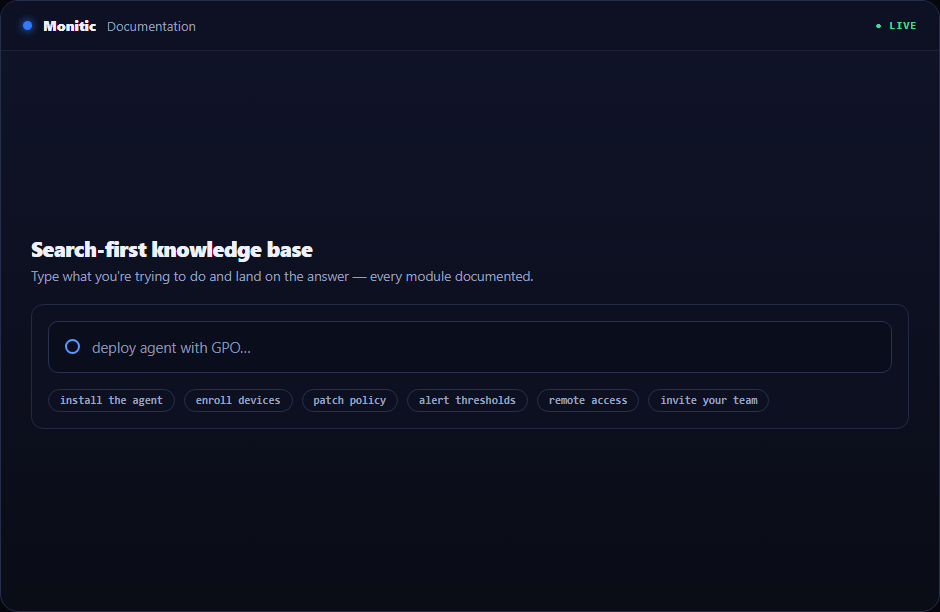
Everything about running Monitic lives here — installation, configuration, how-tos, and troubleshooting for every module, written and maintained by the team that builds the platform. The search box is the fastest way in: type what you're trying to do ("deploy agent with GPO", "patch maintenance window", "alert thresholds") and go straight to the answer. If you're brand new, the getting-started path below takes you from zero to a reporting fleet in one sitting.
Getting started
Four steps stand between a fresh workspace and a managed fleet. Each guide is short, sequential, and assumes nothing.
Install the agent
Download the agent and install it on your first device — interactively for a quick test, or silently via script or GPO for fleets. The guide covers system requirements, network prerequisites, and the flags you'll want for mass deployment.
Enroll devices
Enrollment binds an installed agent to your workspace and, for multi-site setups, to the right company or unit. This guide explains enrollment tokens, automatic grouping, and how to verify a device is reporting correctly within minutes of install.
Set your first policies
Policies turn a visible fleet into a managed one. Start with a patch policy and a baseline alert rule — the guide walks through sensible defaults, maintenance windows, and how to stage a policy on a test group before rolling it fleet-wide.
Invite your team
Add technicians, assign roles, and scope access. Monitic's role-based access control lets you restrict sub-users to specific companies or units — this guide covers roles, permissions, and the access model in plain terms.
Browse by module
The documentation mirrors the platform's four pillars — the same taxonomy you see in the console and across the platform overview.
- Endpoint Management (RMM) — monitoring, inventory, alerting, device actions
- Patch Management — OS and third-party patching, policies, compliance
- Asset Inventory (ITAM) — hardware, software, and subscription tracking
- Network Monitoring — SNMP, discovery, IPAM, status pages
- Virtualization — Hyper-V, VMware, Proxmox, Docker
- Backup Monitoring — NAS, Veeam, cloud backup health, disk health
- Security Compliance — controls, remediation, audit logging
- Vulnerability Management — CVE detection and network scanning
- SIEM & Threat Detection — log collection, FIM, SOC dashboard
- Firewall Management — vendor integrations and policy lookup
- Privileged Access (PAM) — vault, sessions, personnel access
- Identity & Directory — Active Directory, SSO, SCIM, RBAC
- Automation — scripts, workflows, deployment, scheduled tasks
- AI Assistant (Mon-Ai) — assistant setup, AI terminal, approval gates
- Reporting & Analytics — report library, schedules, dashboards
- Certificate Management — inventory and expiry tracking
- Service Desk (ITSM) — ticketing, SLAs, request fulfillment, automation
- Digital Employee Experience — DEX score and activity insight
- Remote Access — screen sharing, terminal, file transfer, session audit
Release notes for every platform update are collected under What's New, so you can see what changed and when.
How the docs are organized
Every module category groups its articles into three kinds so you can predict where an answer lives. How-to guides are task-oriented and step-by-step. Reference pages document settings, fields, and behaviors exhaustively. Troubleshooting articles start from a symptom — an offline device, a stuck patch — and work backward to the fix. Titles are written the way people search, so the search box usually lands you on the right article on the first try.
If you're evaluating Monitic rather than operating it, each docs category links back to its module's overview page — and every module page links here. Depth on demand, marketing when you want the summary.
Can't find it?
If search and the categories haven't answered your question, don't spend another hour digging — head to the support hub. You can open a ticket from the console, email the support team, and check current system status. Gaps in the documentation are treated as bugs: if you had to ask, we write it down so the next person doesn't have to.
See Monitic on your own fleet
Full-featured 14-day trial · no credit card · your real fleet in the console on day one.