VMware Monitoring & Management
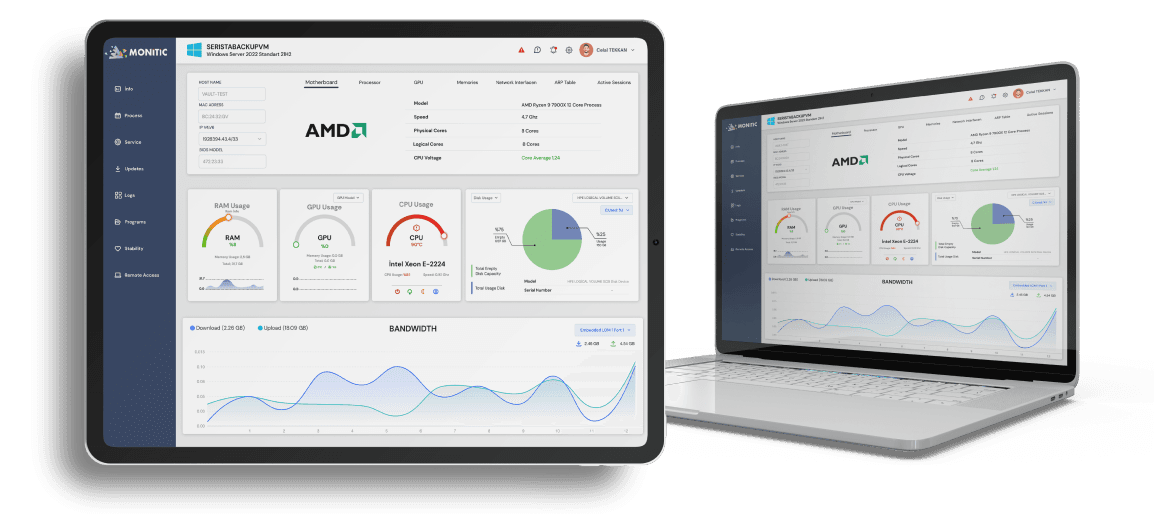
Full visibility and control over your VMware vSphere environment — VM health, resource usage, power lifecycle and hardware configuration — without leaving Monitic.
Your Entire VMware Infrastructure, in One Dashboard
See Exactly What Your VMs Are Consuming, Right Now
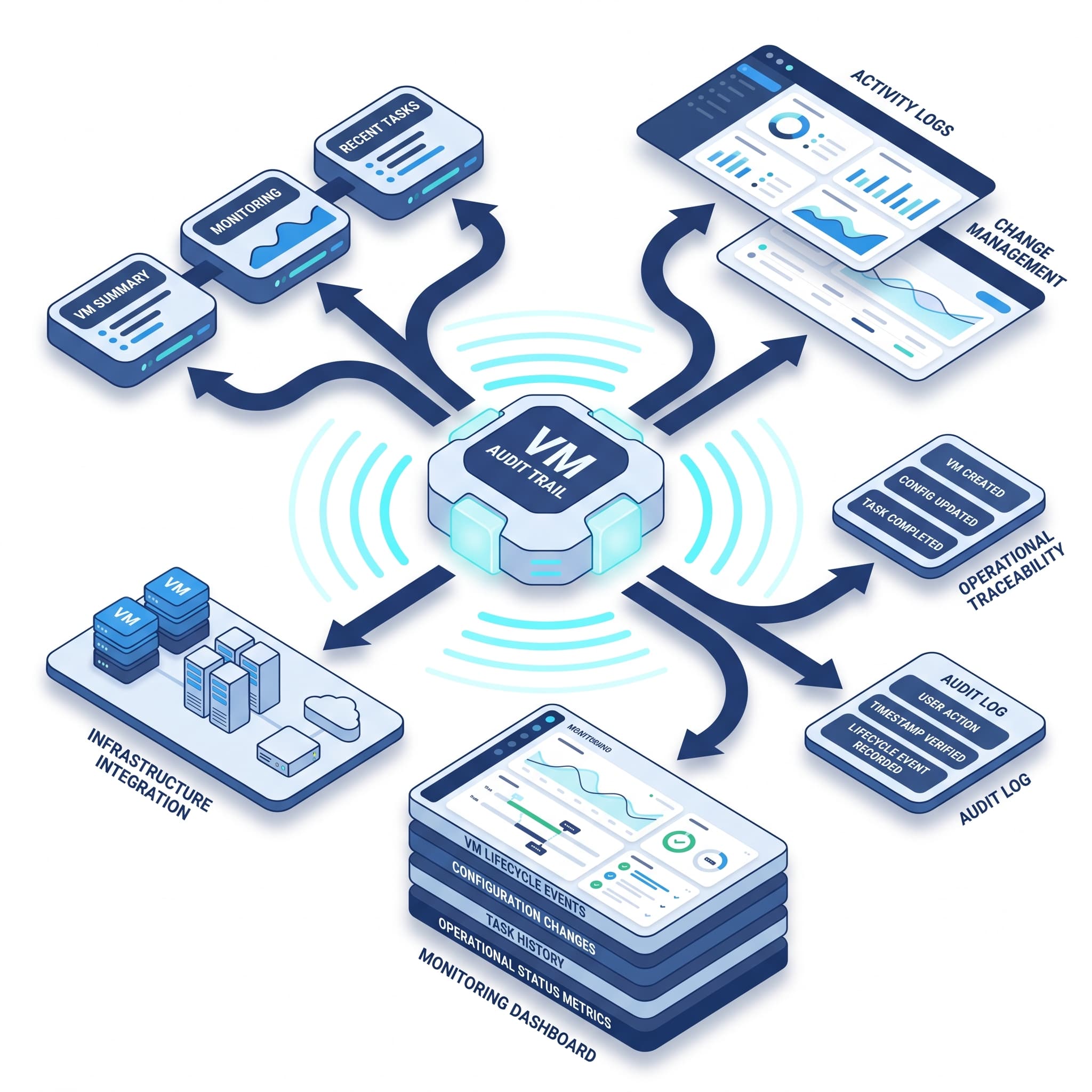
Resource overconsumption and misconfigured VMs silently degrade performance across your entire infrastructure. Monitic provides real-time telemetry at the VM level so you can detect problems before they impact production workloads. VM Summary views show CPU and memory configuration, host name and networking details, storage allocation and VMware Tools version — updated in real time.
Control Your VMs Directly from Monitic — No vSphere Client Required
Monitic enables IT administrators to perform VM lifecycle operations and hardware reconfiguration without switching tools. Power on, suspend or reset virtual machines and modify hardware settings — all through the Monitic interface. This is especially valuable for MSPs and IT teams managing multiple client VMware environments, where consolidating operations into a single platform dramatically reduces response times. See also: Virtual Machine Management for Hyper-V and Docker environments.
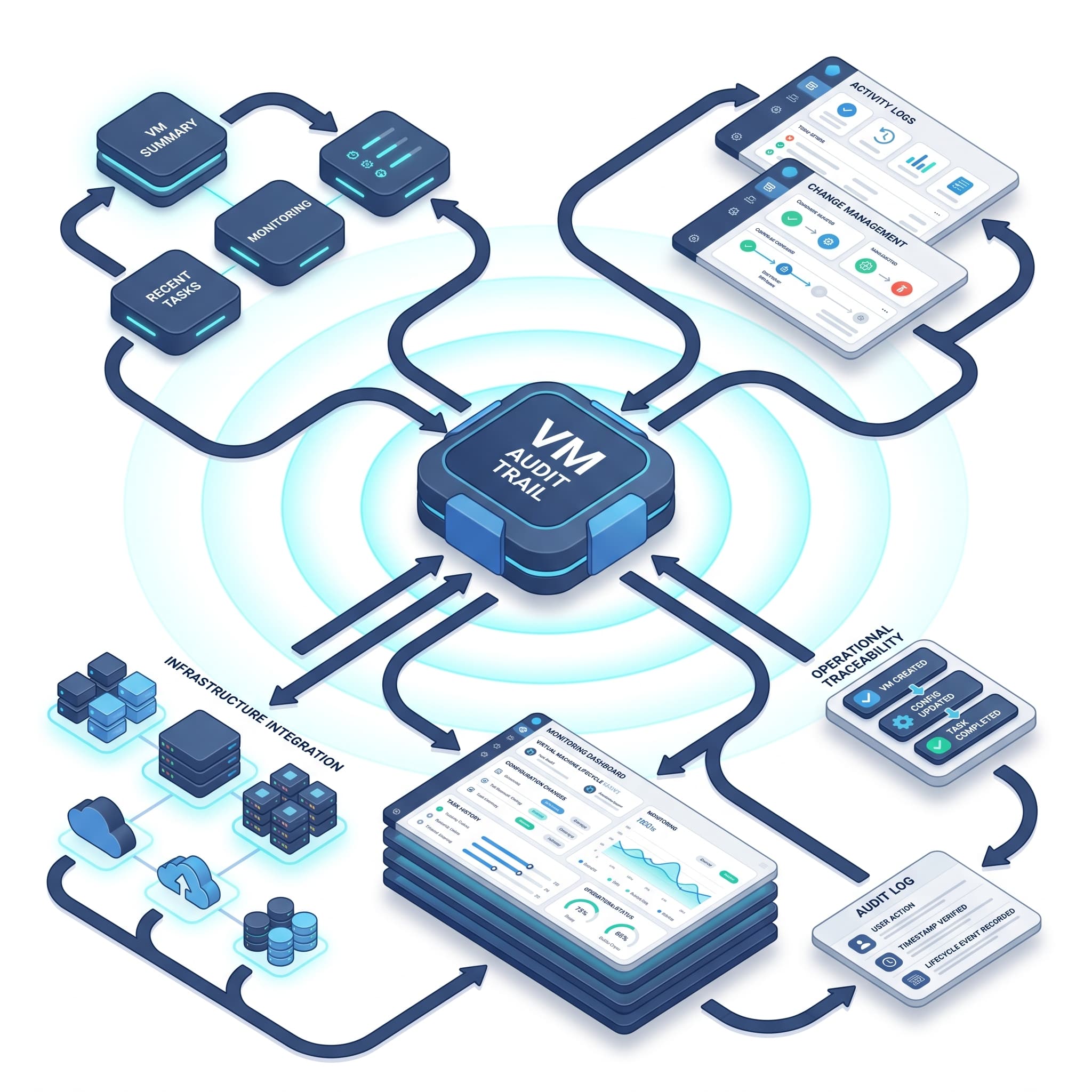
Full Operational Traceability Across Every Virtual Machine